

Stylish payments without a phone, payment card, or charged battery. Discover how other customers experience their AdornPay wearable.
Why customers choose AdornPay
Eberhard
I have now received 2 watch straps and 1 keychain, and I am very satisfied. The design and finish are perfect. Linking them to the account is very easy, and everything works right away. Thank you!
Stephen Paul
The keychain I currently have linked to my Curve account works fantastically. It looks stylish and definitely gets some surprised looks when I pay with it.
Masses
I have tried several products, and honestly, the products are great, the service is excellent, and the support is fantastic. You deserve five stars.

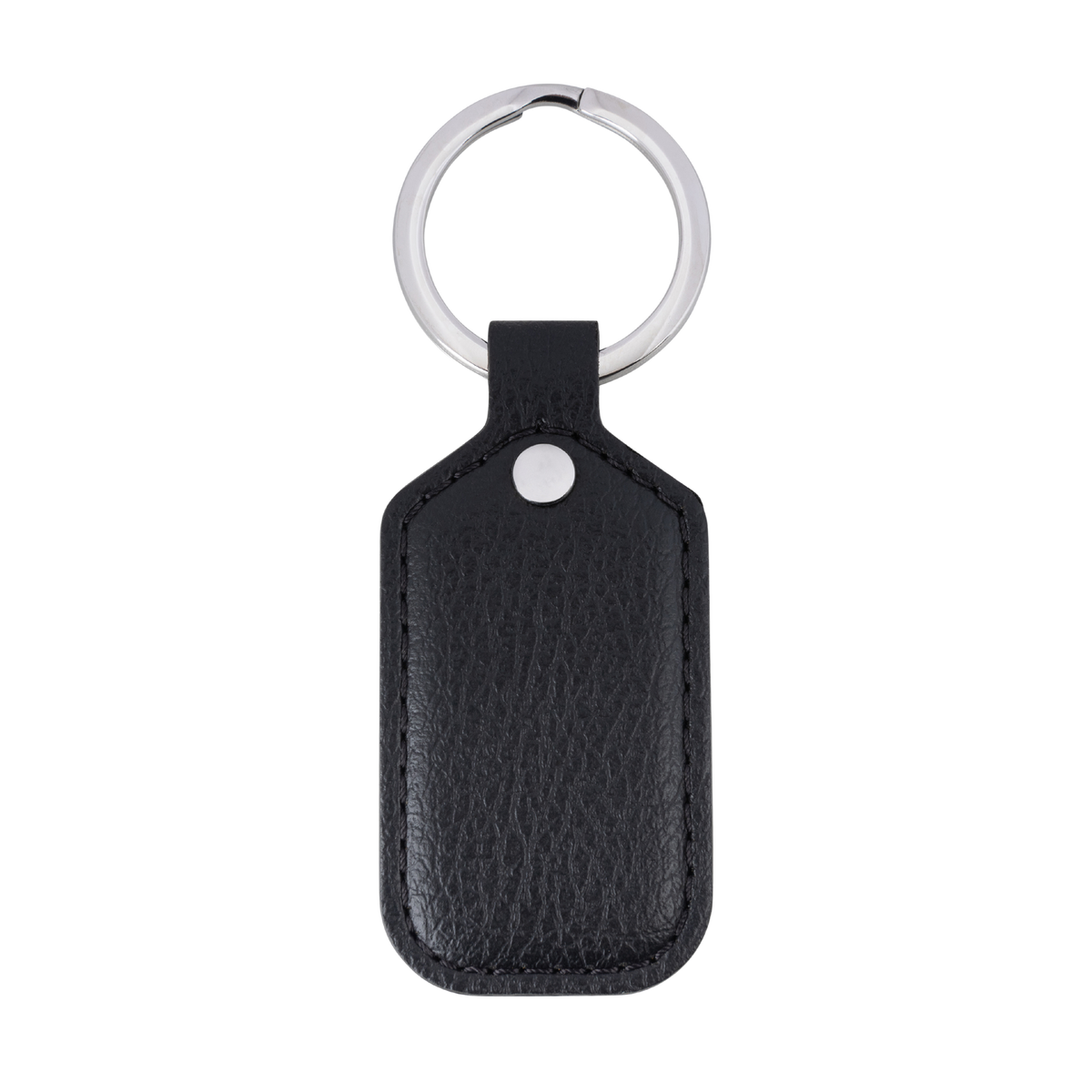
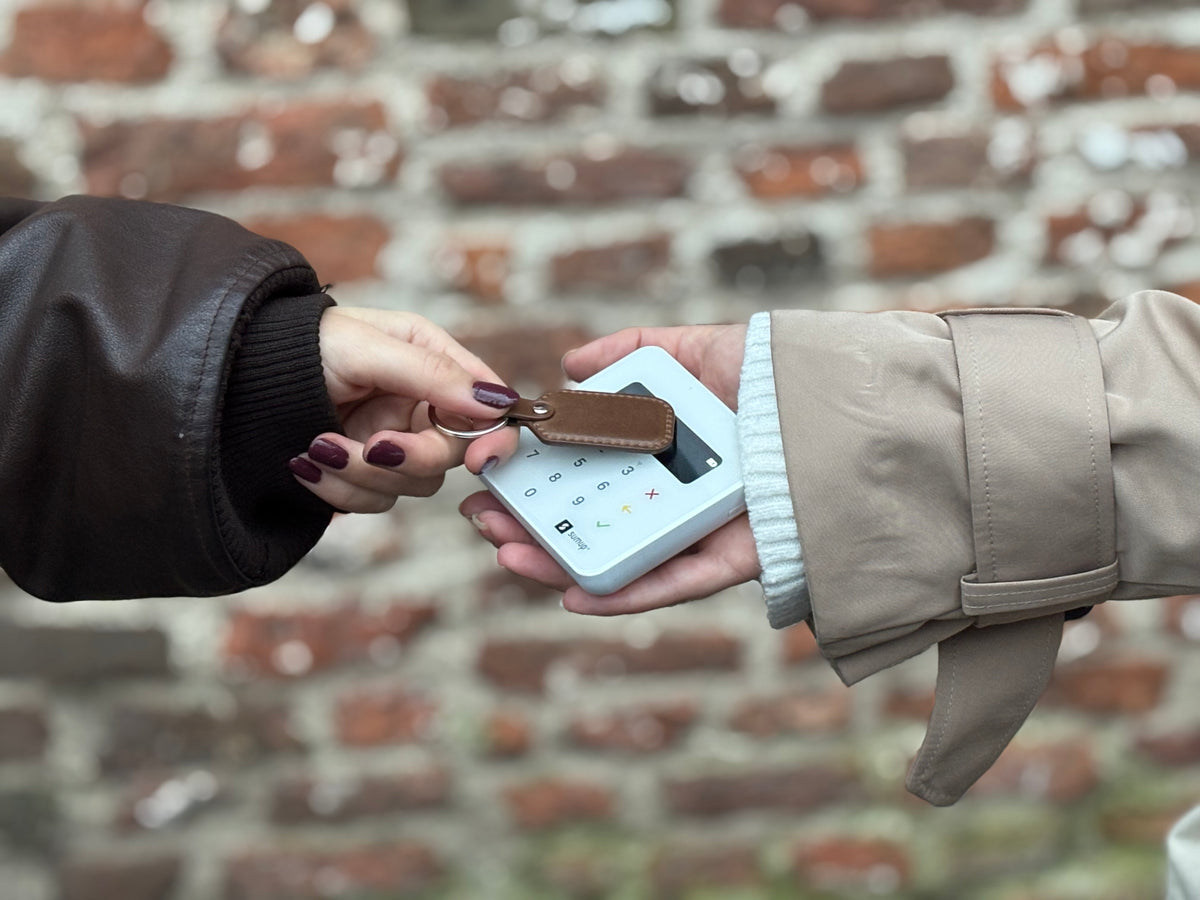
Pay with a keychain
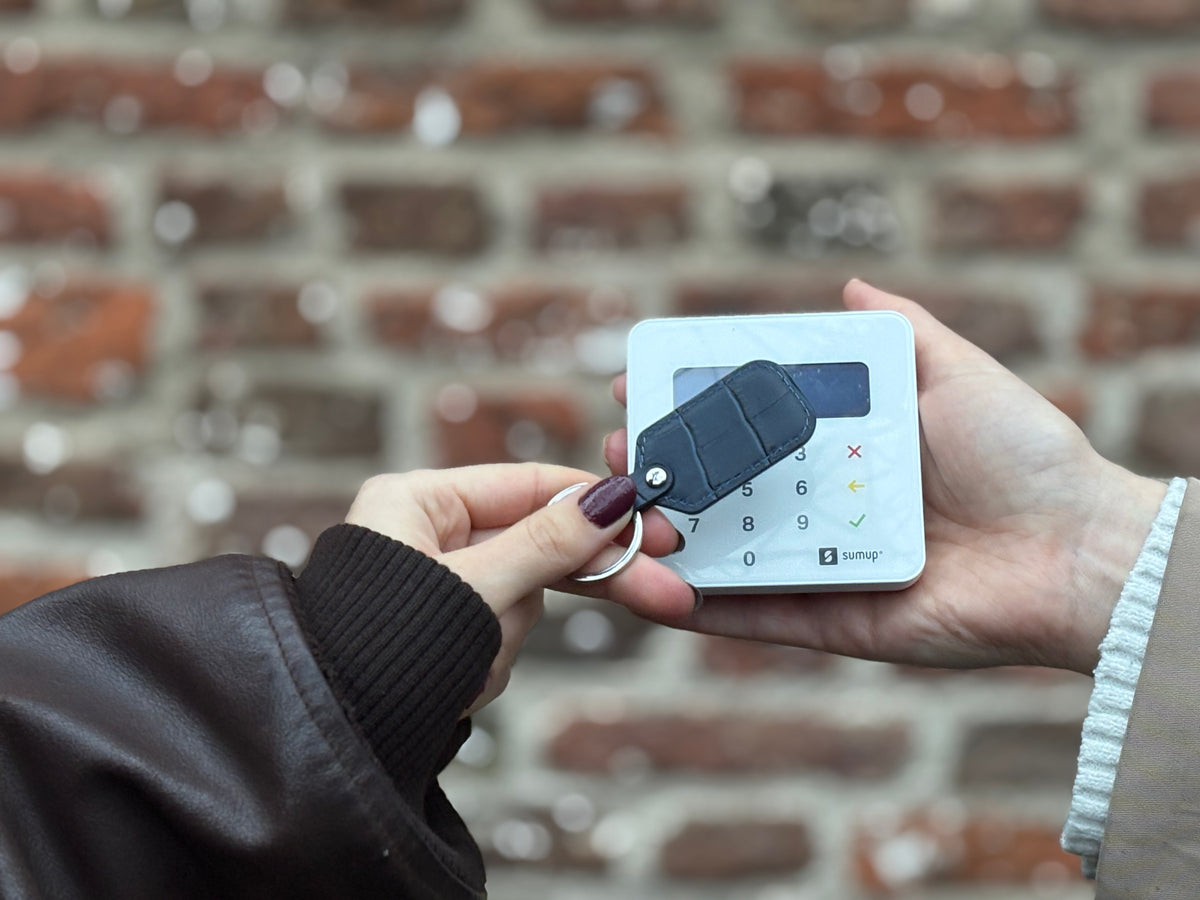
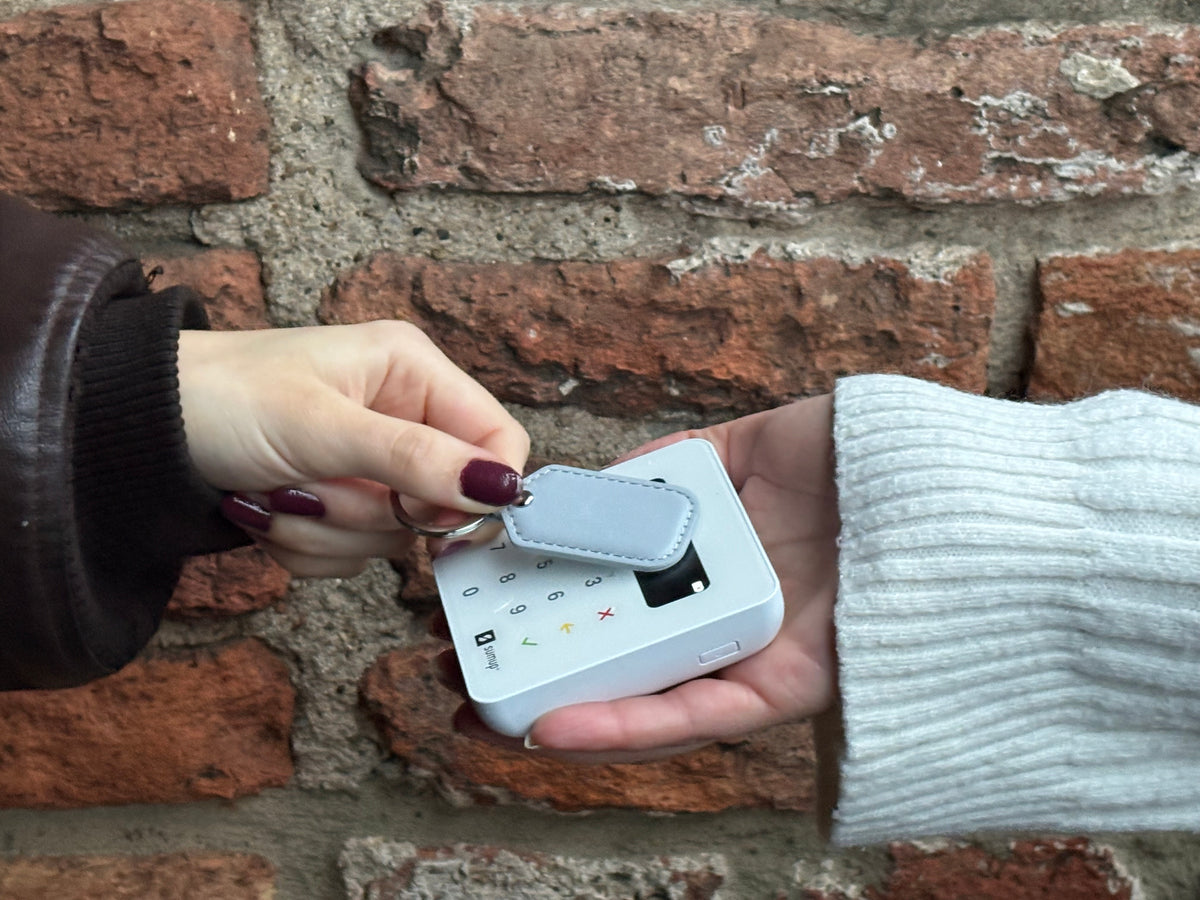
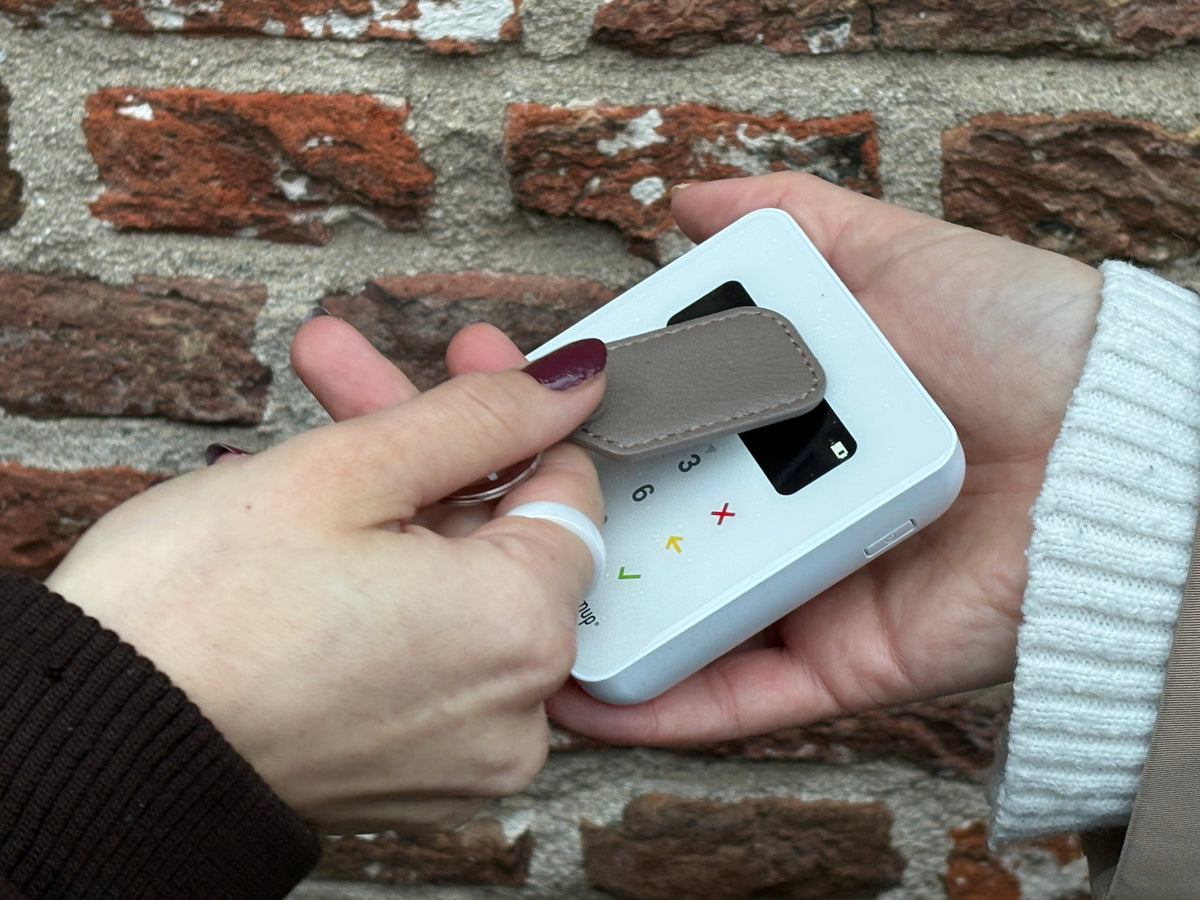
Pay with one movement
Keep the wide part of the key fob flat and within 2 centimeters of the contactless payment symbol. Once the payment terminal recognizes the wearable, the payment is processed.
You activate the key fob once through Curve or VIMpay and Manage Mii. After that, you can pay without a phone or payment card. For higher amounts, the payment terminal may ask for your PIN.
Choose the key fob that suits you
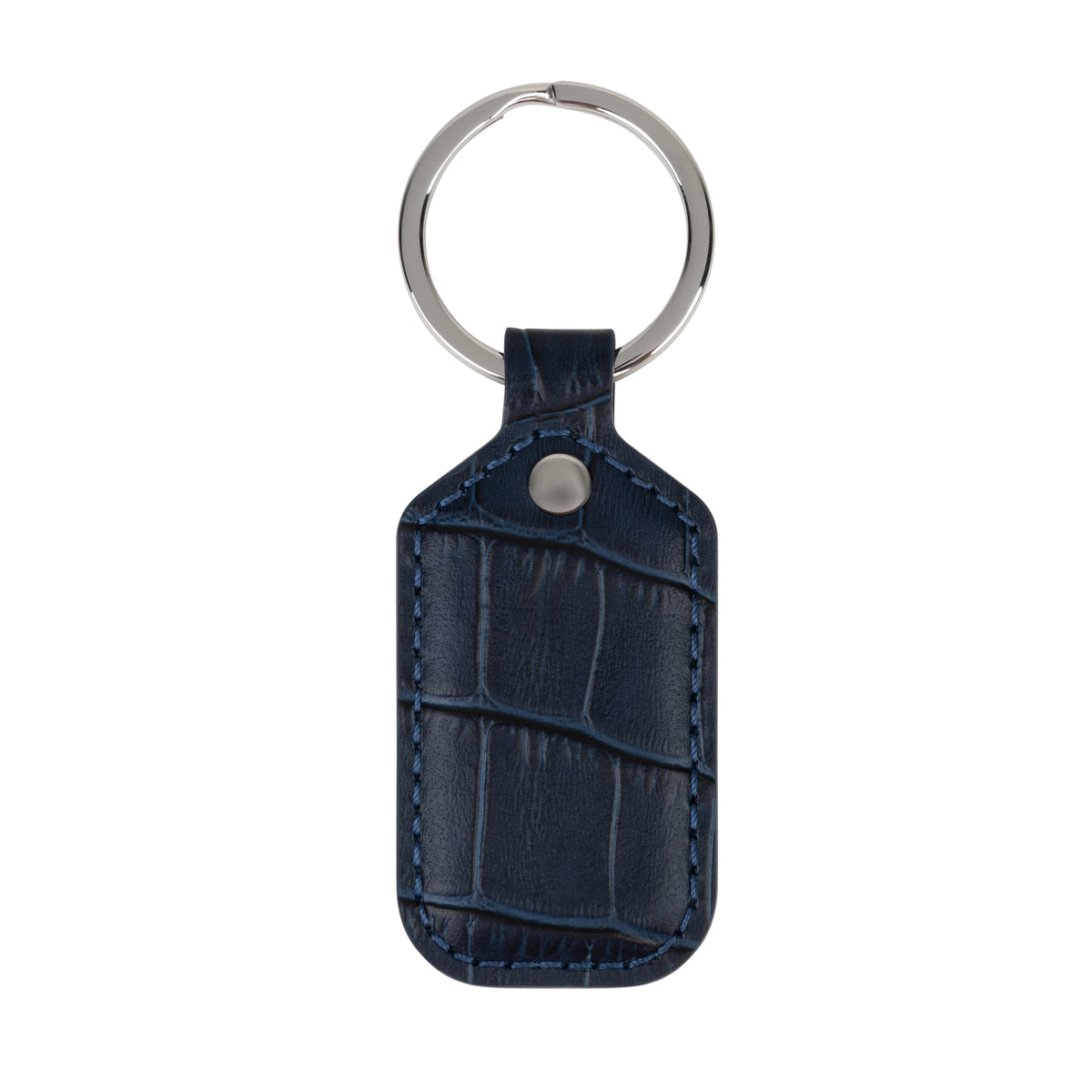
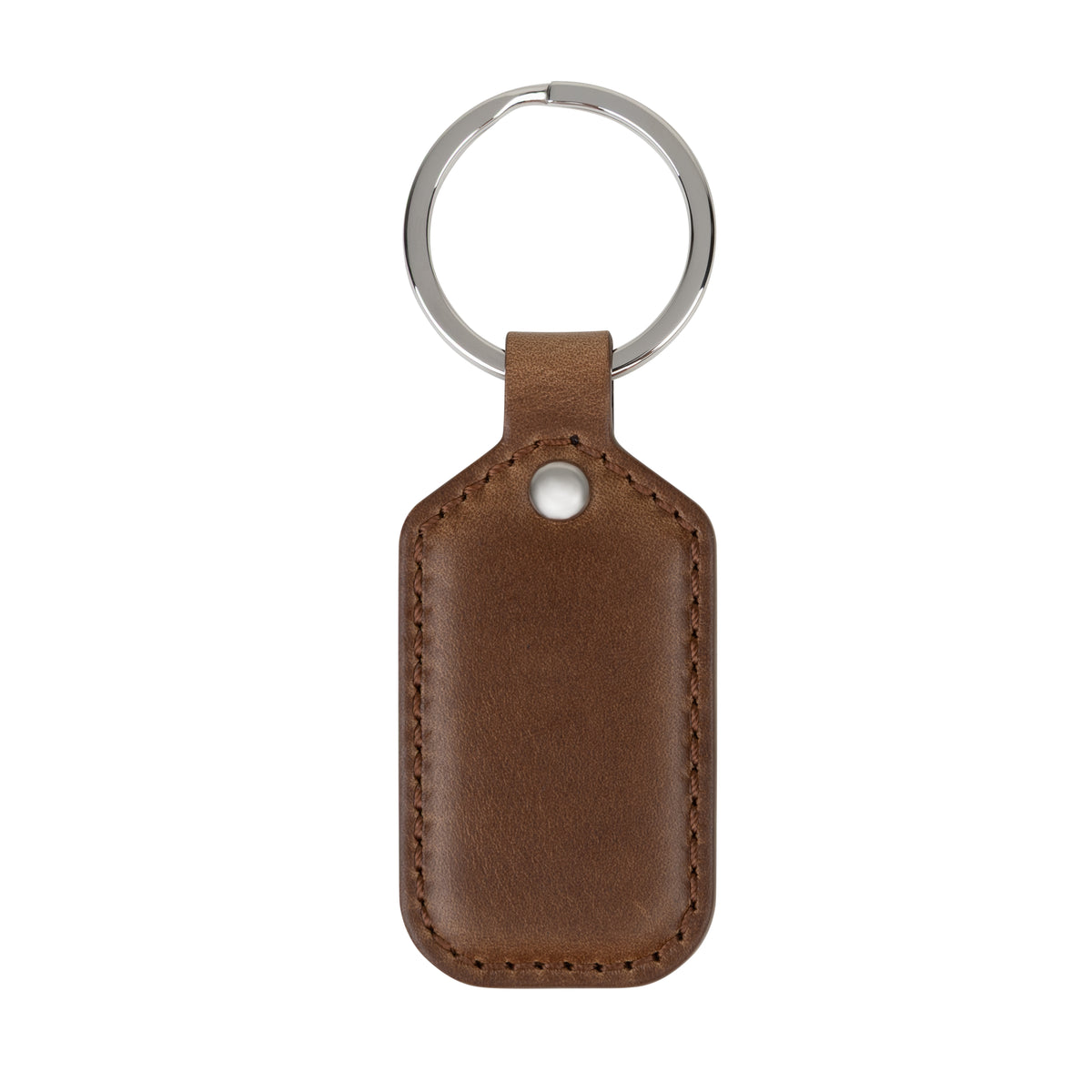
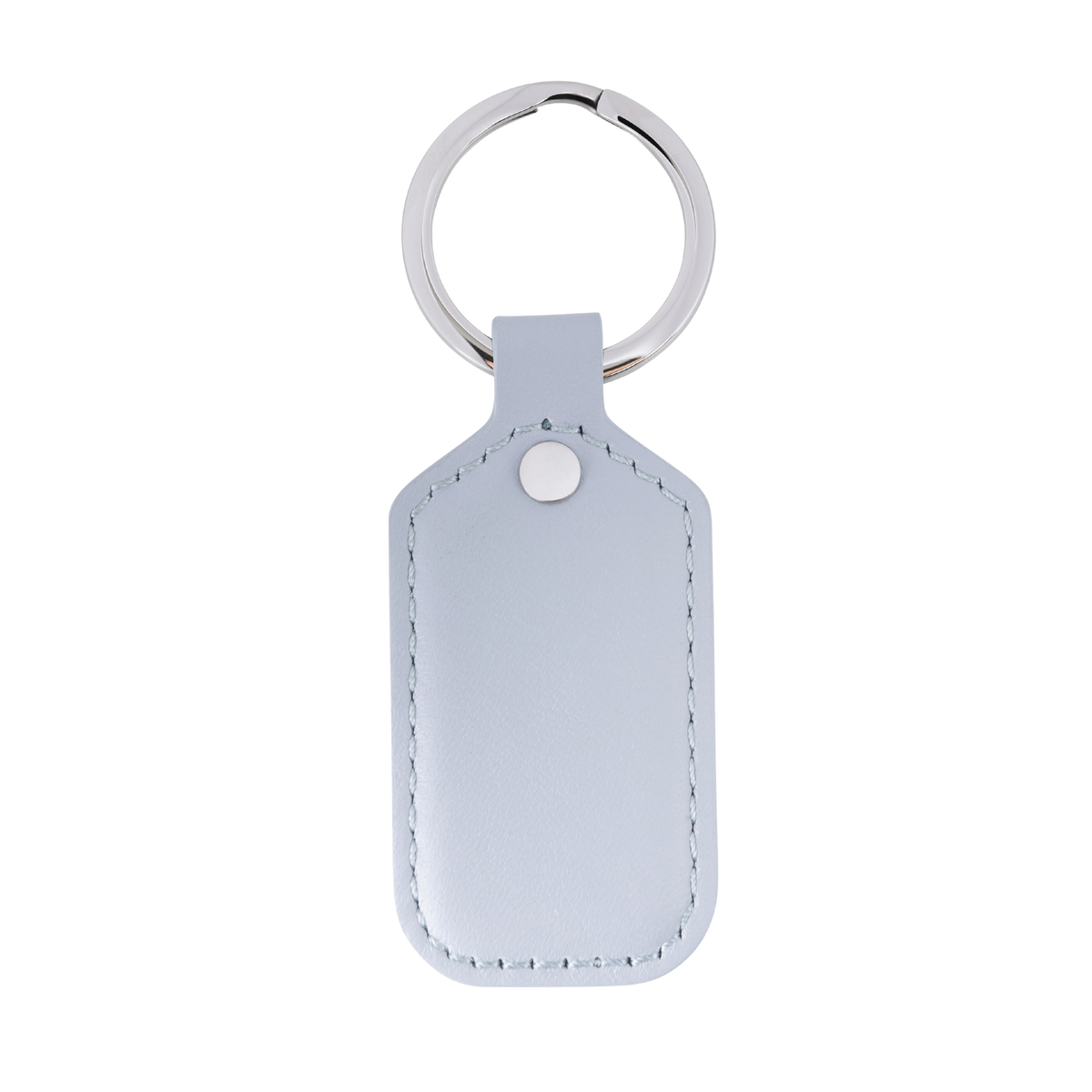
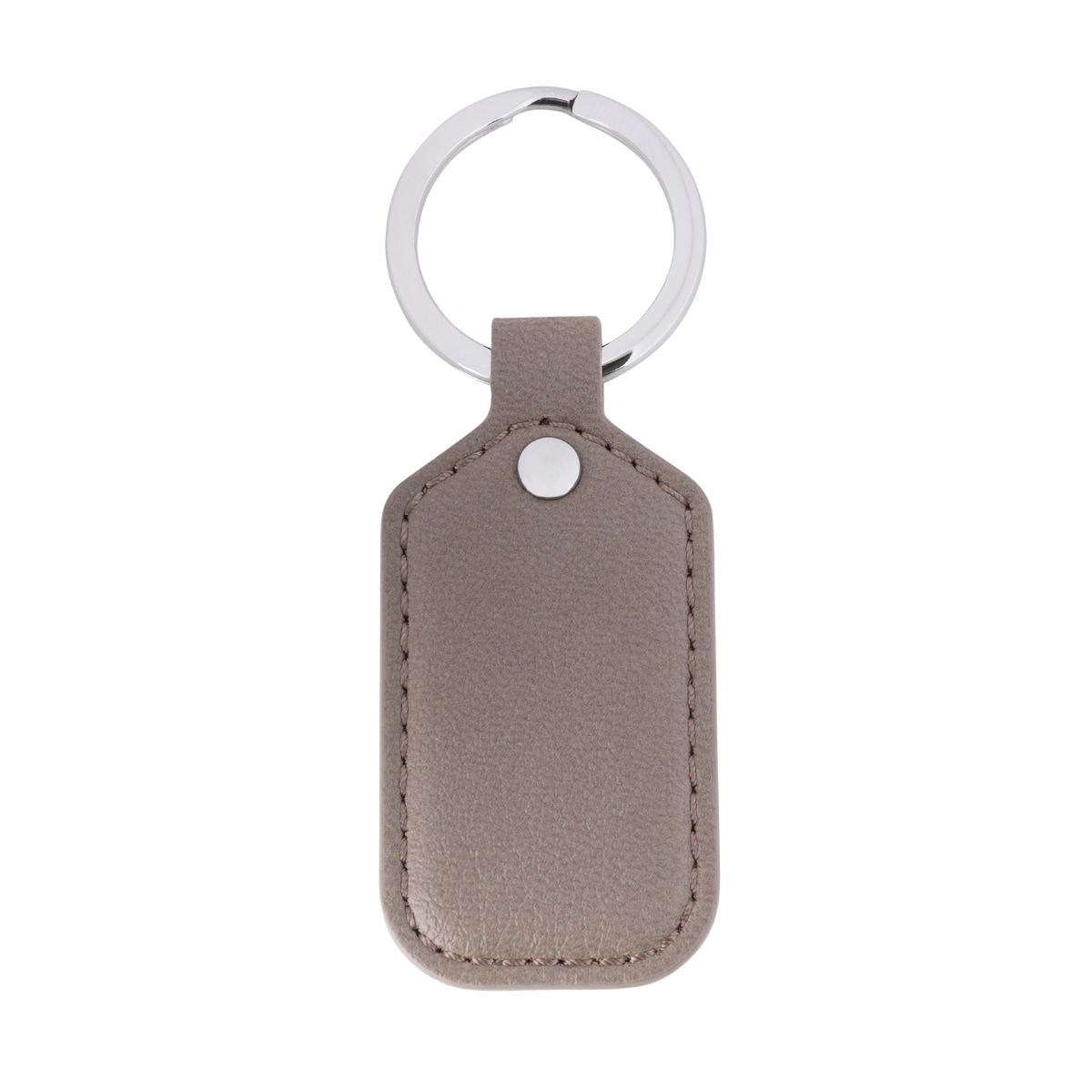
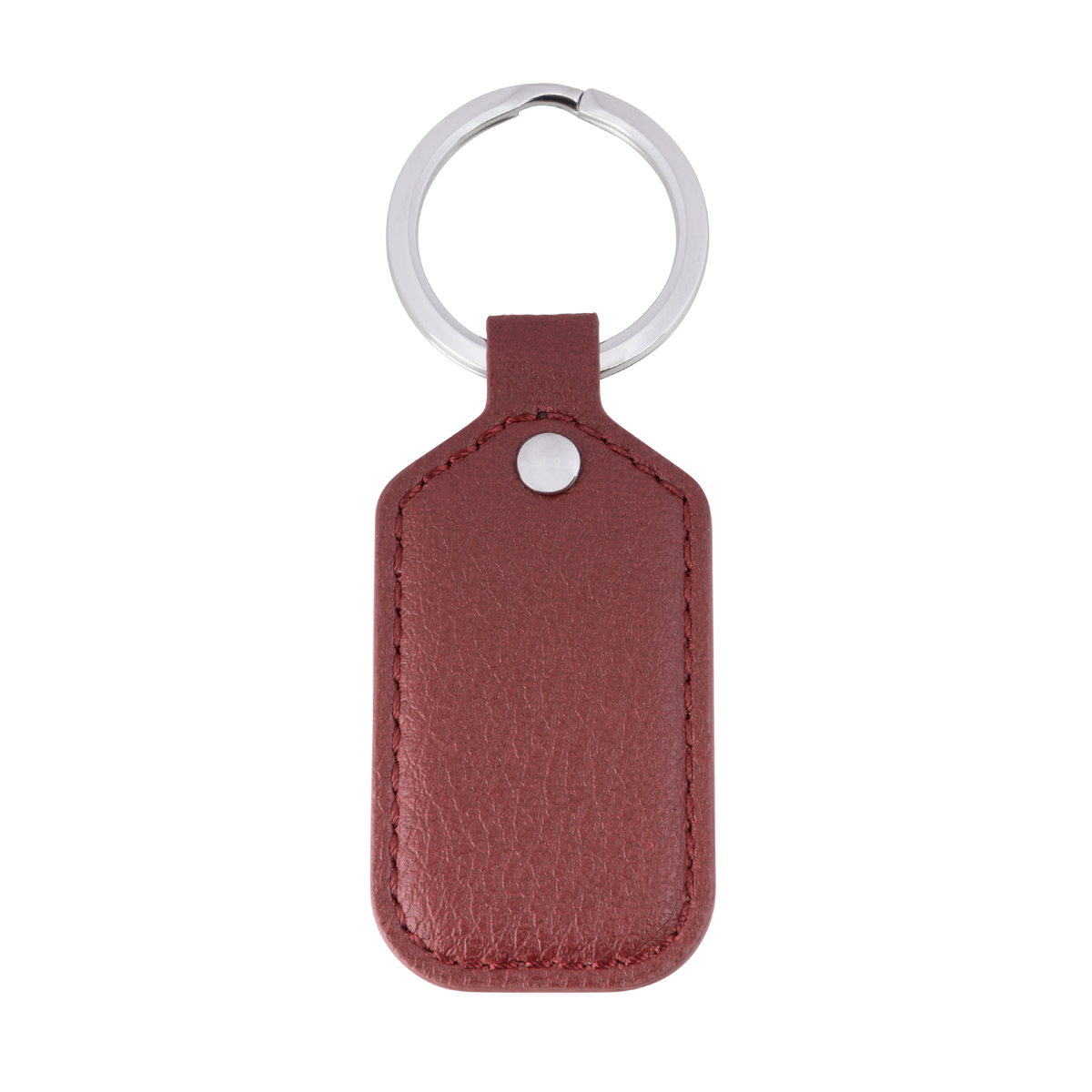

Always at hand. Ready to pay.
Your keys go everywhere with you. With an AdornPay NFC key fob, you always have your payment method within easy reach.
The technology is fully integrated into the design. You can use it to make payments, share your digital business card, and for other compatible NFC applications.
No screen. No battery. No searching for your payment card.
Frequently asked questions about our keychains
Does the keychain work with every bank?
Not every payment card can be linked directly. With a suitable Visa or Mastercard payment card, you can often use the keychain via Curve. Check this before ordering using our payment card checker.
Which part do I hold against the payment terminal?
Keep the wide part of the key fob flat and close to the contactless payment symbol. The metal attachment ring does not contain a payment chip.
Why do I need a payment app and Manage Mii?
Curve by VIMpay provides the payment connection. In Manage Mii, you activate and manage the wearable and set up the digital business card. After installation, you do not need either app while making payments.
Do I need to charge the key ring?
No. The integrated NFC chip works without a battery and never needs to be charged.
What happens if I lose my keys?
You can block the payment function in Manage Mii. Do you use Curve? You can also temporarily lock your Curve card in the Curve app. In addition, our bands don't show that you can pay with them, making them extra secure!
How do I share my digital business card?
First set up your business card via Manage Mii. Then hold the keychain against a compatible smartphone to display your contact details. The recipient does not need to install a special app for this
